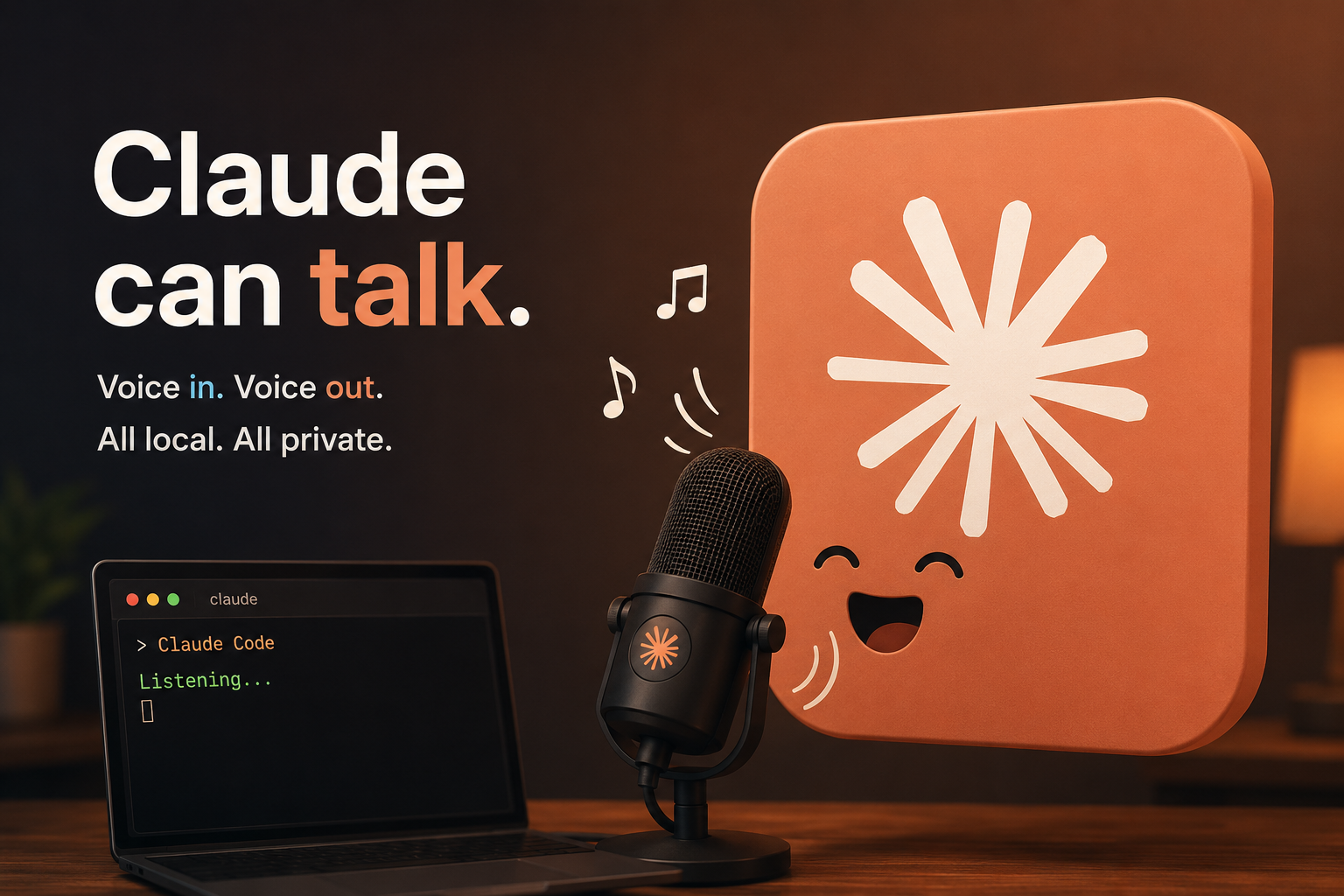
I love Claude. I use it daily — every day, maybe ten hours a day, basically staring at it.
And somewhere in all that staring a thought landed : a lot of what I do with Claude isn't code-intensive at all. Discussing architecture. Debating an approach. Thinking out loud about a problem. None of that needs a keyboard. So why am I typing?
First, I stopped typing
A few months ago I switched to dictation. I've been using OpenWhispr for three or four months now — an open-source tool that turns speech into text anywhere on your machine, so I just talk and the words land in Claude's prompt box. (Handy is another one people like; I haven't used it.)
That fixed half the loop. But only half.
Because I was still reading everything Claude wrote back. And reading is slow. When we're drawing out an architecture or arguing about a problem, I don't need a wall of text I have to scan — I need the answer the way a colleague would give it to me. Out loud.
What if Claude speaks to me, instead of me reading everything Claude writes?
Then, Claude started speaking
Turns out this exists and it's called voicemode. It's a Claude Code plugin : you talk, Claude talks back, and the whole thing runs as an actual conversation instead of a chat log. (Under the hood it's an MCP server, so it isn't Claude-only — any MCP-capable agent can use it. The plugin just makes Claude Code the smoothest ride.)
Setup is four commands :
# Add the VoiceMode marketplace
claude plugin marketplace add mbailey/voicemode

# Install the plugin
claude plugin install voicemode@voicemode

# Install local voice services
/voicemode:install

# Start talking!
/voicemode:converse
The first two run in your terminal, the last two inside Claude Code itself.
What it actually puts on your Mac
The installer isn't magic, so here's what lands on disk (~2.4 GB total) :
- Whisper — a local speech-to-text server (whisper.cpp, ~300 MB). This is the ear : it turns your voice into text.
- Kokoro — a local text-to-speech server (~2.1 GB, runs on the Apple GPU). This is the mouth : it turns Claude's words into a voice.
- portaudio via Homebrew, for microphone and speaker access.
- Two launchd services, so both servers start at login and are just there when you want to talk.
The part I care about : it's all local. Your voice never leaves your machine — no cloud STT, no per-minute API bill, works offline.
That's it. Ten hours a day is a lot of staring. At least now some of it is a conversation.
I hope you find this article interesting. Thanks for reading. Until then, bye 👋